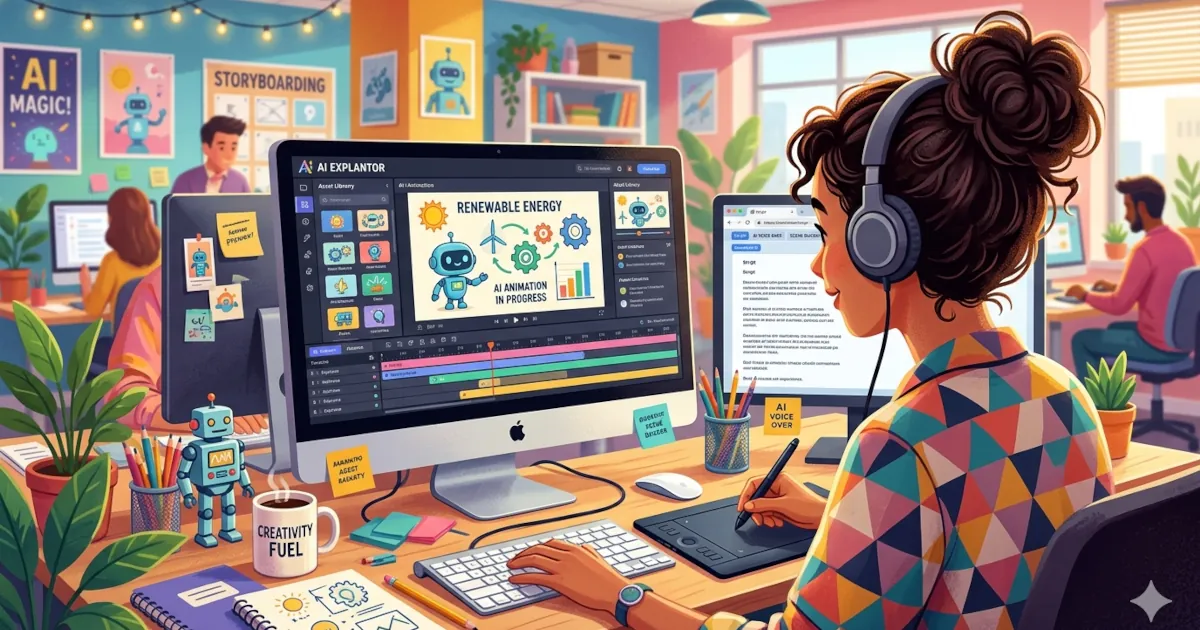
How to Make Animated Explainers with AI
Create engaging explainer videos in minutes, without being a designer, animator, or video editor.
 David Chen
4 min read

Author
Covers encryption, breach history and licence terms across VPNs, password managers and AI image tools, summarising what independent reviewers report.
Create engaging explainer videos in minutes, without being a designer, animator, or video editor.
David Chen
If you’ve ever stared at a blank canvas, empty Procreate file, or silent sketchbook thinking, I’ve got nothing, you’re not alone. Creative block hits everyone. The good news? AI tools are becoming surprisingly useful as a creative partner, not a replacement.
David Chen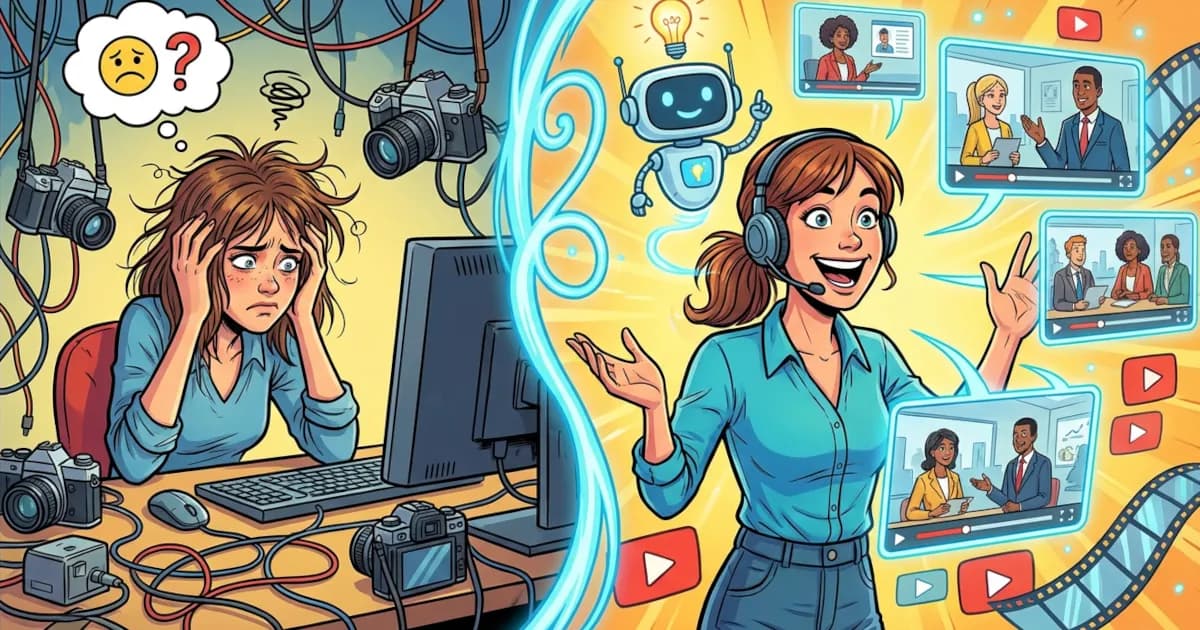
Want to stop repeating the same training presentation for the hundredth time? AI video tools can help you turn scripts, slides, and even plain text into polished training videos in minutes. No cameras. No fancy editing. Just smarter content creation.
David Chen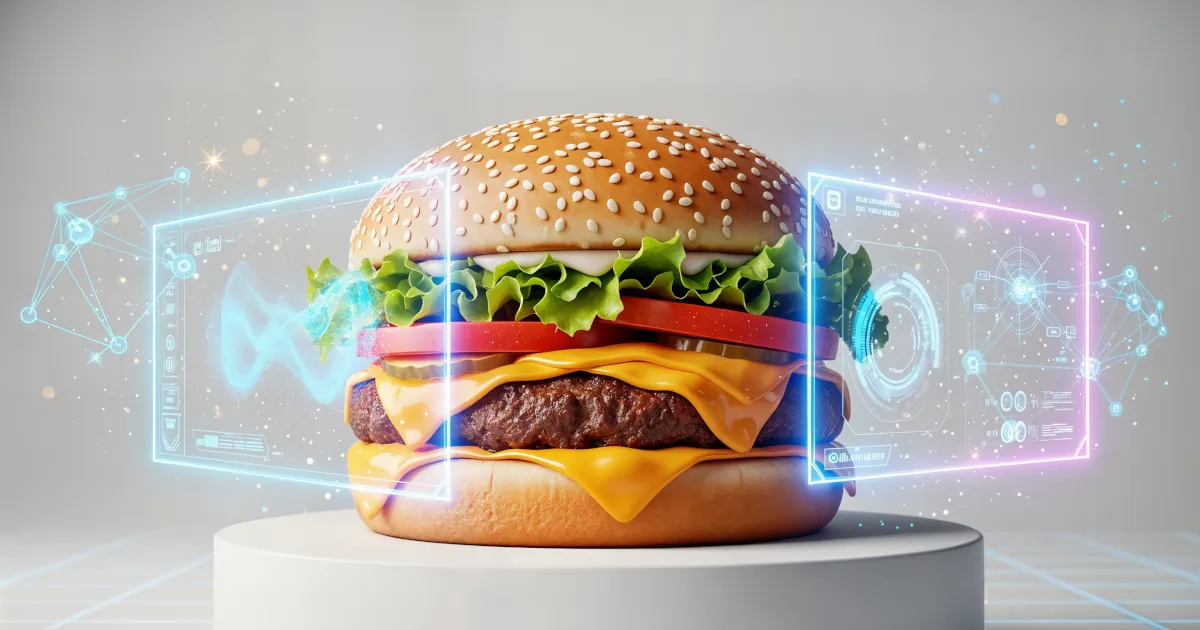
With the right AI tools, you can go from “idea” to “scroll-stopping ad” in minutes — even if your current design skills top out at PowerPoint.
David Chen
Ever watched your own video and thought, “Why do I look like I filmed this on a potato?” Meanwhile, on Instagram or TikTok, everyone else seems to be in a Marvel movie.
David Chen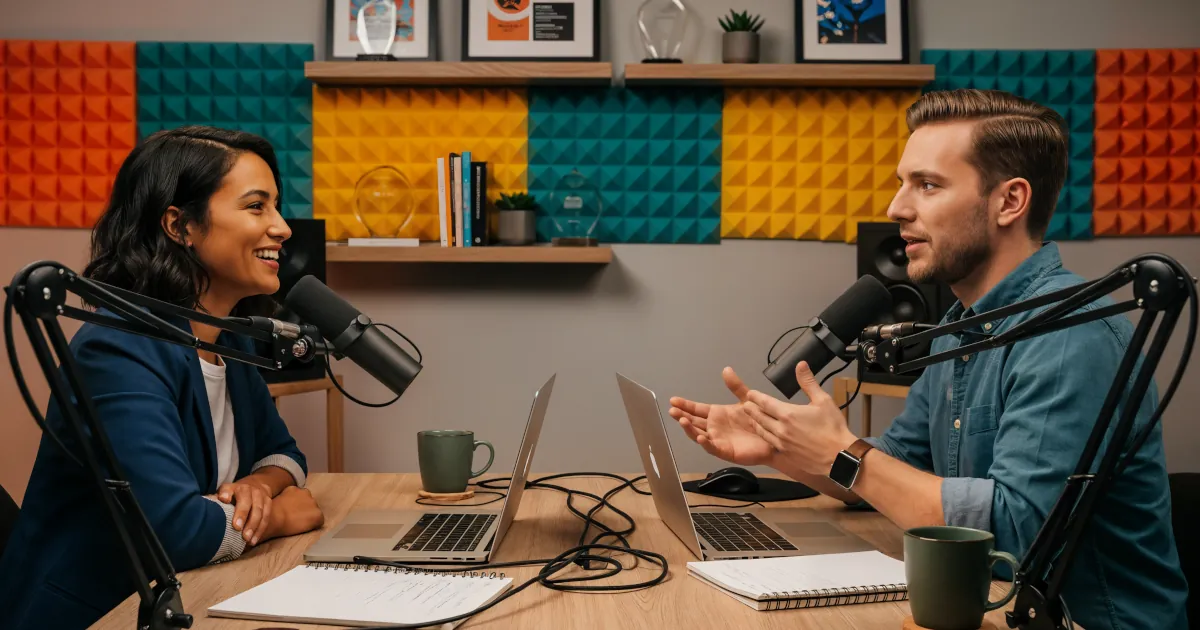
Want video content without learning editing software, hiring a team, or spending 10 hours cutting clips? If you’ve already got a podcast, you’re sitting on a goldmine of content that AI can transform into videos for YouTube, TikTok, Reels, and more.
David Chen
AI art, AI headshots, AI TikToks… you’ve probably seen those. But what is an AI image and video generation tool really for — beyond pretty pictures and viral clips?
David Chen
Imagine typing a sentence like “a cat wearing sunglasses riding a skateboard through Times Square” and instantly seeing that very image brought to life.
David Chen