
Unexpected Ways to Use AI Video and Image Tools
AI art, AI headshots, AI TikToks… you’ve probably seen those. But what is an AI image and video generation tool really for—beyond pretty pictures and viral clips?
Under the hood, these tools are basically visual imagination machines. You give them a prompt (text, image, or video), and they transform it into something new:
- A brand‑new image from scratch
- A stylized version of a photo
- A video edited, extended, or completely reimagined
Most people stop at “cool art” and “faster editing.” But that’s just the surface. Let’s go into the unexpected, practical, and surprisingly fun ways you can use AI image and video tools in everyday life, work, and learning.
1. Visual Note‑Taking For Learning Anything Faster
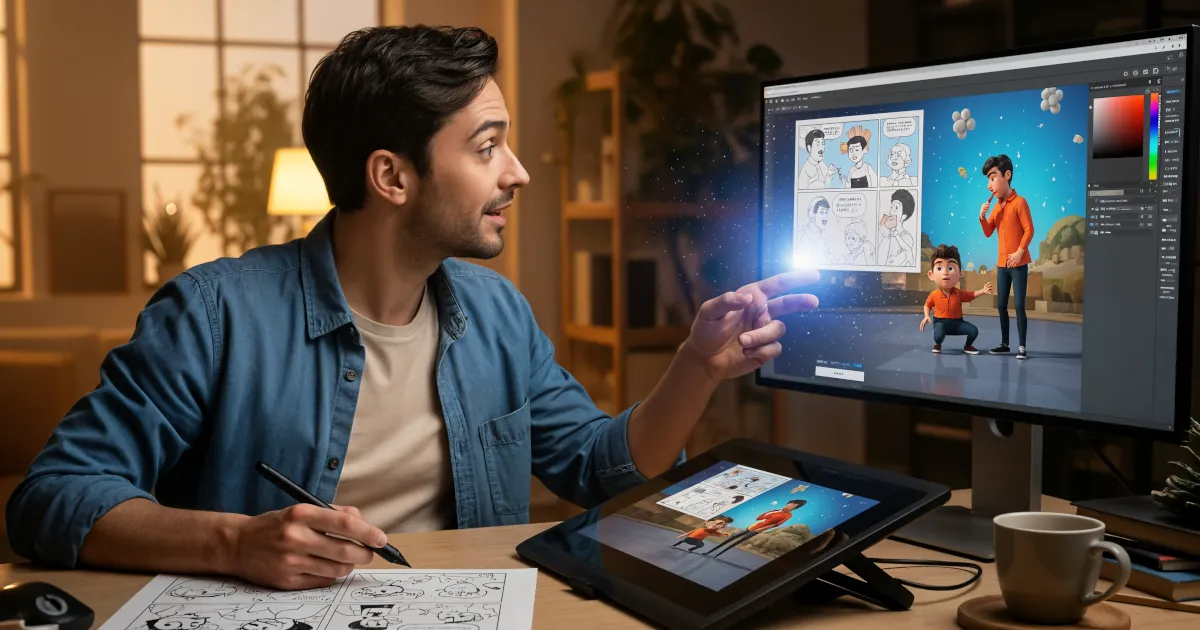
Imagine turning your messy notes into mini‑comics or explainer videos.
AI image and video tools can help you:
- Turn textbook paragraphs into storyboard‑style images
- Summarize a chapter as a 30‑second animated explainer
- Transform a history lesson into movie‑like scenes
How to try it
- Write a short summary of what you’re learning.
- Paste it into an AI image or video tool.
- Prompt it like this:
- “Create storyboard frames showing how photosynthesis works, in a simple colorful cartoon style.”
- “Make a short explainer video with simple visuals and labels about the water cycle.”
It’s basically “visual flashcards on steroids.” You learn faster because your brain now has a movie or comic to stick the idea to.
2. Personal Motivation and Habit Coaching
AI visuals are insanely good at making things feel tangible. You can use that to your advantage when building habits or staying motivated.
Ideas to try
Vision boards
Describe your ideal life or goals and generate visuals: your dream home office, your future trip, your fitness milestones. Turn those into a wallpaper or printed poster.Habit storyboards
Create a 6‑panel comic of “Future You” going through a perfect morning routine, workout, or study session. Put it where you see it daily.Before‑and‑after simulations
Generate stylized “future scenes” of you finishing a project, running a marathon, or presenting your startup idea. It doesn’t need to be photorealistic—just emotionally real enough to feel possible.
You’re using AI as a visual accountability partner. It turns vague goals into something you can literally see.
3. Prototyping Ideas Without Design Skills
You no longer need to be a designer to visualize a product, a space, or an app.
Physical product mockups
Describe your idea and have AI generate:
- A coffee mug with your slogan on it
- A gadget with labels and callouts
- A board game box with cover art
You can quickly explore 10–20 variations before you involve a human designer. It’s like having a visual brainstorming partner that never gets tired.
UX / UI sketching
Prompt an AI image tool:
“Generate a simple app screen for a to‑do list app, clean, minimal, with a focus on a big ‘Add Task’ button.”
You get something you can then show to a developer or refine manually. It’s not final UI design—but it’s a powerful conversation starter.
Interior and space planning
Upload a picture of your living room or office and prompt:
- “Redesign this in a cozy Scandinavian style.”
- “Show three versions of this room: gaming setup, reading nook, minimalist workspace.”
Suddenly you have options, perspectives, and inspiration you can iterate on without moving a single piece of furniture.
4. Role‑Playing Social Skills and Tough Conversations
This one’s unexpected but extremely useful.
Using AI image and video tools, you can create visual role‑plays of:
- Job interviews
- Customer interactions
- Difficult conversations with teammates or clients
How it works
Describe the scenario:
“A conversation between a manager and an employee about missed deadlines.”
Ask an AI video tool to:
- Generate simple talking‑head avatars
- Act out the conversation based on your script
- Let you adjust tone, facial expressions, or wording
Watch the scene to see how your words land visually.
It’s like rehearsal with a cast of infinitely patient actors. You can test different tones, wordings, and reactions before doing the real thing.
5. Simulating “What If” Scenarios
AI visuals can help you explore alternate futures—serious ones and silly ones.
Smart uses
- Urban planning / community ideas
Show what your neighborhood might look like with more trees, bike lanes, or a public art project. - Climate or environmental scenarios
Visualize a coastline with different sea level outcomes. - Business concepts
Show what your storefront, booth, or packaging might look like under different branding decisions.
Just‑for‑fun uses
- “What would my city look like in a cyberpunk future?”
- “What if my living room was underwater but cozy?”
- “What would my Dungeons & Dragons party look like as a movie poster?”
You’re rehearsing reality—testing ideas visually before they exist.
6. Storytelling Without Being “An Artist”
You might not draw. You might not animate. That no longer matters.
AI image and video generation tools are perfect for:
- Children’s stories
- Graphic novels
- Short films
- D&D campaigns and RPG worlds
Workflow example: turn a story into visuals
- Write a short story or outline.
- Prompt an AI image model:
- “Generate a character: a nervous robot barista in a crowded space station café, warm cinematic lighting.”
- Generate multiple poses and scenes with the same character.
- Use an AI video tool to:
- Pan across still images
- Add simple movement or camera motion
- Add text captions or narration
You end up with something between a motion comic and a short film—with no drawing skills required. The tool becomes your “visual co‑author.”
7. Explaining Complex Topics to Non‑Experts
If you’ve ever tried to explain what you do for a living and watched someone’s eyes glaze over, AI visuals can save you.
For professionals
- Developers: Visualize how your app works with flow diagrams and animated walkthroughs.
- Scientists: Turn your process or experiment into a simple explainer.
- Consultants: Turn your methods and frameworks into short animated diagrams.
Prompt ideas:
- “Create a simple, colorful diagram explaining how a neural network works, no math, just high‑level flow.”
- “Generate a short explainer video showing how package delivery works from order to doorstep.”
You’re using AI as a translation layer between your complex mind and the general public’s attention span.
8. Reimagining Personal Memories
AI doesn’t have to be just futuristic; it can be nostalgic.
Ways to use it with your own photos
- Time travel edits: Turn your old family photo into a 1920s painting, a 1980s VHS snapshot, or a sci‑fi scene.
- Memory expansions: Take one photo and imagine the “wider” scene:
- “Extend this beach photo to show what might have been to the left and right.”
- Alternate versions:
- “Show this childhood photo as if it were a movie poster.”
- “Turn this wedding photo into a dreamy oil painting.”
Use it thoughtfully and respectfully—these are real memories, after all—but it’s a powerful way to celebrate your past with a new lens.
9. Training and Onboarding That People Actually Remember
Most company training is boring. AI can help turn it into something people will actually pay attention to.
Examples
- Safety training: Generate short scenario videos showing what to do (or not do) in specific situations.
- Customer support: Create visual examples of good vs. bad support interactions.
- Product onboarding: Replace walls of text with short AI‑generated explainers or animated flows.
You don’t need a production studio—just a decent script and an AI video tool. You can test multiple styles quickly and refine based on feedback.
10. Personal Branding and Online Presence
Sure, you can use AI for profile pictures—but think bigger.
Ideas
Consistent visual identity
Generate a unique style for:- Thumbnails
- Banners
- Social media posts
- Presentation slides
Video personas
Use an AI avatar (even a stylized one) to:- Read your blog posts as videos
- Explain your newsletter topics
- Host FAQ videos for your website
Conceptual self‑portraits
Turn your interests and personality traits into wild, symbolic images that represent you better than a stock headshot ever could.
AI tools become a cheap, flexible “brand studio” you can carry in your laptop.
11. Cognitive Aids and Accessibility
AI image and video tools can quietly make life easier for a lot of people.
Use cases
- Visual schedules for neurodivergent folks or kids:
- Generate simple icons and scenes for morning routines, homework, chores.
- Step‑by‑step how‑to videos:
- “Show how to change a bike tire with clear, close‑up visuals.”
- Language bridging:
- Use images and short videos to explain tasks to people who don’t share your first language.
In this context, AI is less about “art” and more about making information feel clearer and safer to navigate.
12. Brainstorming and Ideation Sessions
Stuck on a project? Get visual noise going.
Team brainstorming
- Ask an AI tool to generate 20 different visual concepts around your theme.
- Display them all.
- Let the team react: “This one is terrible, but… what if we combined parts of 3 and 7?”
AI becomes the world’s fastest whiteboard sketcher, throwing out crazy ideas you can accept, reject, or remix.
So… What Is an AI Image and Video Generation Tool, Really?
Beyond the tech jargon, what is an AI image and video generation tool in practical terms?
It’s:
- A visual imagination engine that responds to your words, sketches, and ideas
- A prototype machine for ideas that would be expensive or impossible to test in real life
- A translator that turns complex concepts into pictures and scenes
- A creative partner that helps you think in ways your brain alone might not
Used well, it’s not about replacing humans. It’s about:
- Lowering the barrier between your ideas and something you can see
- Making learning and explaining more intuitive
- Letting more people participate in visual creativity, not just “artists”
You don’t need to know how to draw, edit, or film. You just need to know what you’re trying to say—and be willing to play.