
How Artists Use AI to Find Inspiration
Use AI as your creative partner!
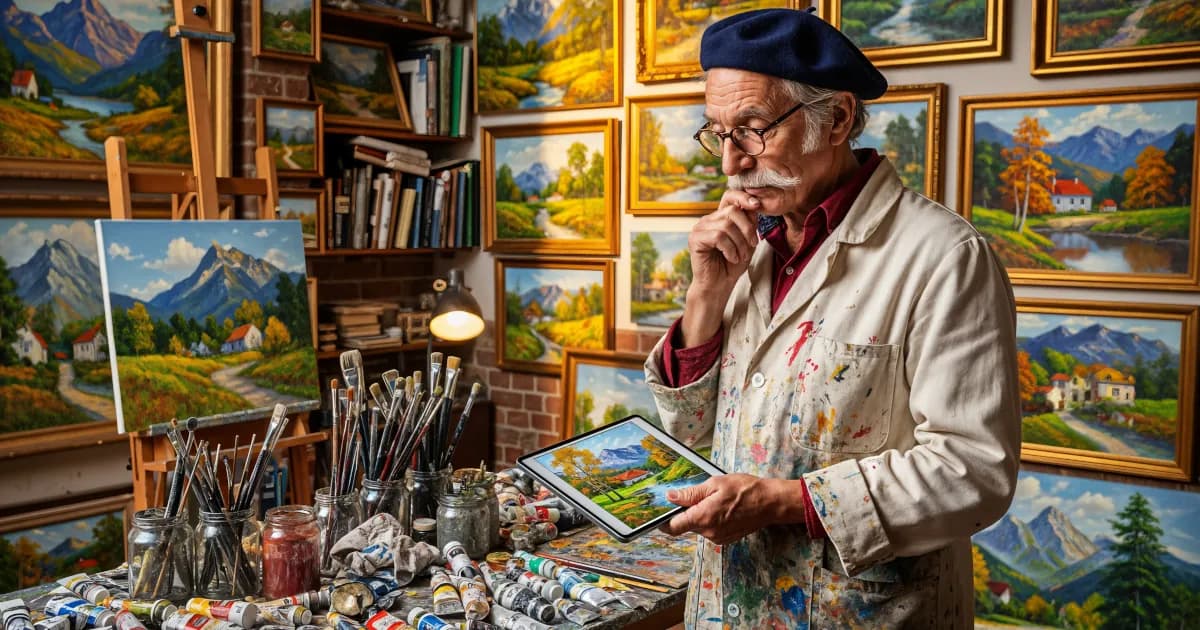
If you’ve ever stared at a blank canvas, empty Procreate file, or silent sketchbook thinking, “I’ve got nothing,” you’re not alone. Creative block hits everyone. The good news? AI tools are becoming surprisingly useful as a creative partner, not a replacement.
This isn’t about “letting AI make your art.” It’s about using AI to spark ideas, shake up your style, and help you explore concepts you’d never think of on your own.
Let’s walk through how artists actually use AI image creation for inspiration in practical, fun ways.
1. Using AI as a Sketch Generator, Not a Final Product
Think of AI like a chaos-powered sketch buddy. You toss in your ideas, it throws back visual mashups you can push, twist, and refine.
Example workflow:
- You type:
“Surreal cityscape with floating gardens, at sunset, in the style of watercolor concept art.” - The AI gives you 4–8 images. None of them are “perfect,” but:
- Maybe one has a color palette you love
- Another nails the floating gardens
- A third has an interesting architectural silhouette
You take screenshots, scribble over them, combine elements, and make your own composition. The AI isn’t the artist. You are. It’s just your ultra-fast visual brainstorming tool.
This is one of the clearest answers to:
What do you need AI image creation for inspiration?
You need it to generate rough visual ideas at speed, so you can skip the “void” of starting from nothing.
2. Breaking Out of Your Usual Style
We all get stuck in habits: same faces, same poses, same three colors you always end up using. AI can help you step outside that comfortable bubble.
Try this:
Feed it your style, then flip it
- Prompt:
“Character design similar to my style: cute, round shapes, pastel colors… but reimagined as dark gothic fantasy painting.” - Or use image + text if your AI tool allows uploads.
- Prompt:
Ask for style remixes
“Urban streetwear characters as if painted by an impressionist.”“Cyberpunk city in the style of ink-and-brush calligraphy.”
Analyze the results
- How are they using contrast?
- What silhouettes stand out?
- Are there texture ideas you could steal and adapt?
You don’t have to copy anything directly. Use it as a crash course in “what if my style went somewhere totally unexpected?”
3. Rapid Composition and Thumbnailing
Traditionally, you might draw 20 tiny thumbnails to test compositions. You can still do that (and you probably should), but AI can help you explore additional options faster.
Composition exercises with AI:
Prompt:
“Landscape with a lone tree on a hill, dramatic lighting, three different compositions: one wide, one tall, one with extreme perspective.”Then look at:
- Where the focal point is
- How the horizon line changes the mood
- How value contrast leads the eye
Use AI results as references for your own thumbnails. Redraw them in your way. Push the perspective more. Rearrange shapes.
You’re not “stealing a composition”; you’re using AI like a rough layout assistant that continually throws new framing ideas at you.
4. Character and Worldbuilding Ideas
If you love character art or storytelling, AI can be a playground for building worlds.
Character prompts:
“A retired space pilot now running a tiny ramen shop in a neon-lit alley.”“An ocean witch who only uses bioluminescent sea creatures as accessories.”
The AI will interpret these in visual form:
- You might love the way it handles the clothing
- Hate the face
- Be fascinated by small props or background details
You can then:
- Sketch your own version of the character
- Create turnarounds and expressions
- Imagine supporting characters that belong in the same world
Worldbuilding prompts:
“The capital city of a floating island civilization that worships storms.”“Post-apocalyptic library preserved under glass domes.”
You get quick snapshots of possible worlds. From there, you can:
- Map the city
- Design interiors
- Create story beats or illustrations set in those spaces
Again, the AI is just dumping raw visual material onto your mental whiteboard.
5. Color Palettes and Lighting Studies
Sometimes the ideas in your head are fine—but the colors feel dead. AI is amazing for quick color and lighting experiments.
How to use it:
Prompt with mood + lighting:
“Cozy living room at night lit only by a TV and a fish tank, very cinematic lighting.”“Harsh midday desert scene with blown-out highlights and heat haze.”
Extract the palette:
- Use color picker tools or palette websites
- Screenshot and study which colors are in shadows, mids, and highlights
Paint your own scene:
- Don’t trace.
- But let the palette guide your choices.
This is especially useful if you’re learning environmental lighting or want your art to feel more “cinematic” without guessing every color choice.
6. Prompting as a Creative Exercise
Writing prompts is its own art form. The way you describe things can shape your visual imagination.
Try treating prompts like mini creative writing warm-ups:
- Instead of:
“girl with sword” - Try:
“battle-worn young knight in mud-stained armor, holding a sword too big for her, standing ankle-deep in a flooded field at sunrise.”
You’ll notice:
- You start thinking more clearly about mood and story
- Your ideas become more specific
- Your own drawings naturally grow more narrative and detailed
AI image creation isn’t just for images; the act of prompting trains how you think about visuals.
7. Avoiding the “Copy-Paste” Trap
Using AI for inspiration doesn’t mean:
- Posting unedited generations as your “art”
- Tracing AI output as if it’s your own design
- Replacing your creative thinking with whatever the model spits out
Instead, aim for this mindset:
- AI gives you raw material.
- You interpret, transform, remix, and reimagine.
- Your hand, taste, and decisions are still the core of the work.
Ask yourself regularly:
“Am I using AI to make my life easier as an artist, or to avoid learning something?”
If it’s the first, great. If it’s the second, pull back and use it more thoughtfully.
8. So… What Do You Need AI Image Creation For Inspiration?
Boiled down:
- To jumpstart ideas when you’re stuck
- To test compositions and perspectives quickly
- To explore styles and moods outside your comfort zone
- To develop characters and worlds with rich visual cues
- To study color and lighting from fast, varied examples
- To sharpen your imagination through better, more descriptive prompts
You don’t need AI to be creative. But you can use AI as a creative tool, much like reference photos, 3D models, or random Pinterest boards—just more interactive and tailored to your brain.
Use AI as a partner that challenges you, surprises you, and helps you see your own ideas in new ways.