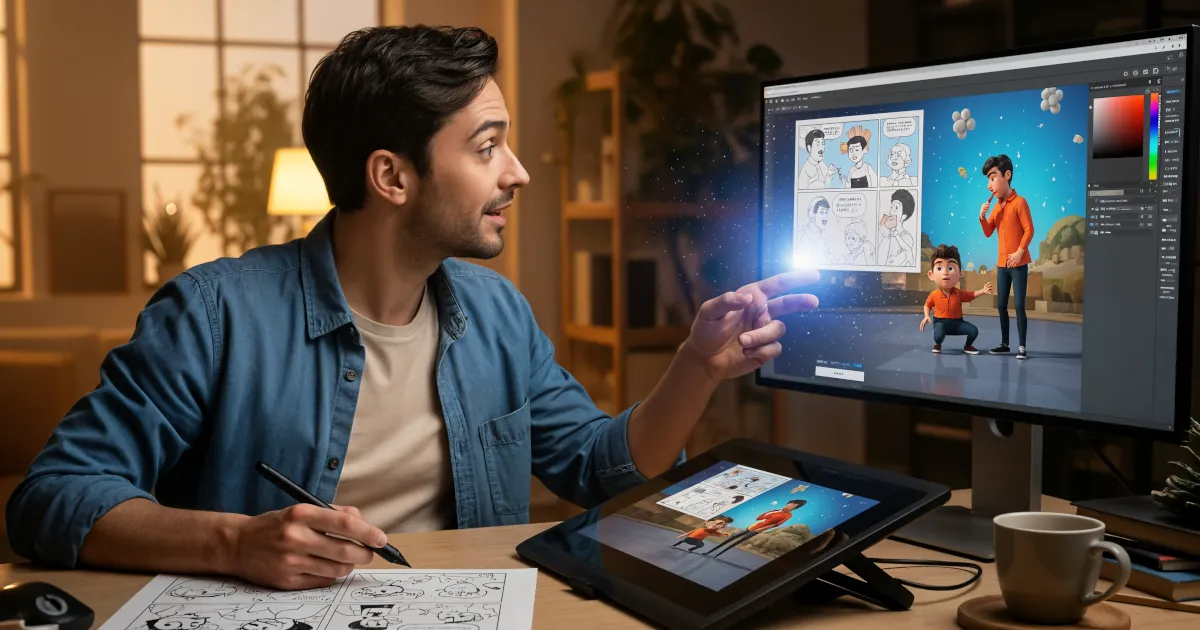

Create Your Own Cartoon Series Using AI
Ever wished you could create your own cartoon series, but got stuck at “I can’t draw” or “Animation takes forever”?
Using AI tools for animation, those excuses are officially expired. You don’t need a studio, a big budget, or a team of artists. All you really need is:
- A story idea
- A laptop (or tablet)
- Some AI tools
- A bit of patience and playfulness
This guide walks you through how to bring your imagination to life with AI animation, step by step.
1. Start With Your World: Story First, Tools Second
Before you touch any software, figure out what you want to make. AI will help you animate, but it can’t fix a boring story.
Ask yourself:
- What’s the core idea?
- Example: “A lazy wizard running a magical delivery service.”
- Who are the main characters?
- What do they want? What gets in their way?
- Where does it happen?
- Futuristic city, fantasy forest, a school on Mars?
Write a simple one-page synopsis and a rough outline for a few episodes. Keep it light and flexible. You’re not writing the next Pixar epic (yet); you’re building a fun playground for your ideas.
2. Turn Words Into Characters With AI
Once you have characters in your head, it’s time to see them on screen.
Use AI image generators for character design
Tools you can explore (names may change, but the idea stays the same):
- Image generators like DALL·E, Midjourney, Leonardo, Stable Diffusion
- Character-focused web tools that specialize in consistent faces and styles
What to do:
- Write prompts that describe your character:
- “Cartoon-style teenage witch with purple hair, oversized hoodie, floating book, clean line art, bright colors.”
- Generate multiple versions and pick your favorites.
- Refine:
- Adjust prompts: change age, outfit, mood, art style (anime, comic, 3D, etc.).
Lock in a consistent look
Consistency is the hardest part of using AI for animation. You want your character to look like the same person in every frame.
Tips to get there:
- Save a reference sheet: front, side, expressions, a few poses.
- Use “image-to-image” features: upload your character and ask the AI to create new poses while keeping the style.
- Avoid changing too many prompt details at once; tweak slowly.
Optional advanced move: Some tools let you “train” a custom model on your character art, making it easier to generate consistent images.
3. Build Your Locations and Props
Your cartoon needs a world to live in: rooms, cities, spaceships, coffee shops, haunted castles.
Again, AI is your friend:
- Prompt examples:
- “Cartoon-style cluttered wizard apartment, warm lighting, lots of magical items, cozy and colorful.”
- “Simple flat-color classroom, chalkboard, desks, minimal detail, 2D animation style.”
Export your favorite backgrounds and props. Keep the style consistent:
- Same type of shading (flat, cel-shaded, painterly)
- Similar color palette
- Similar level of detail
Save everything in organized folders so you’re not hunting for “that one cool alleyway image” later.
4. From Static Images to Moving Scenes
Now for the fun part: making things move.
There are three main approaches when using AI tools for animation:
A. Slide-based “comic animation”
Think of this as a moving comic or storyboard:
- Use editing tools like CapCut, Premiere, DaVinci Resolve, or simple browser editors.
- Add your character images and backgrounds as layers.
- Zoom in, pan across, and cut between shots.
Pros:
- Easiest place to start
- Great for beginners and short episodes
Cons:
- Limited movement; more like motion graphics than full animation
B. AI video-from-image
Some AI video tools can animate a single image into a short clip:
- “Make this character wave.”
- “Turn this still image into a 3-second walking loop.”
You:
- Upload your character image
- Add a text prompt or motion preset (walk, look around, blink, etc.)
- Export short clips and stitch them into a scene
This works best for micro-movements and stylized loops, not complex fight scenes or elaborate choreography.
C. Keyframe + AI assistance
If you want more control:
- Use a basic animation tool (even simple 2D software) to set rough movement.
- Use AI to stylize or clean up the frames.
This path is more advanced but incredibly powerful if you’re willing to tinker.
5. Give Your Characters a Voice (Without a Mic)
Dialogue and acting make your cartoon feel alive.
Write a simple script
Structure it like this:
- Scene heading: “INT. WIZARD APARTMENT – NIGHT”
- Character name: WIZARD
- Line: “I’m not lazy. I’m… energy efficient.”
Keep early episodes short: 30–90 seconds is totally fine.
Add AI voiceovers
AI voice tools let you:
- Turn text into character voices
- Choose accents, age, tone
- Add emotions: angry, excited, sad, sarcastic
You can:
- Assign one voice per character
- Export audio lines
- Drop them into your video editor
Later, if you want more personality, you can always record real voices and mix them in.
6. Sync Lips and Animate Faces
Once your characters can “speak,” you need their mouths to move.
Options:
- Some tools animate lips automatically from your audio and a still image.
- Others use a “talking head” system: upload a face, upload audio, get a talking character.
You can:
- Use talking-head AI for close-up shots
- Use simpler, non-talking shots (wide angles, back views) when lip-sync isn’t needed
This lets you cheat a bit on full animation while still feeling lively and expressive.
7. Editing: Where It All Comes Together
Your cartoon episode comes together in the timeline of your editor.
Basic workflow:
- Import backgrounds, character clips, and props.
- Add voice lines on the audio track.
- Time your visuals to the dialogue.
- Add music and sound effects.
- Do a final pass for pacing and clarity.
Tips:
- Watch with the sound off: does the story still make sense visually?
- Watch with eyes closed: can you follow the story from audio alone?
- If you get bored watching it, cut it shorter.
Remember: online audiences love tight, punchy episodes. Trim the fat.
8. Release Your Series and Learn As You Go
Don’t wait until things are “perfect” to publish. They never will be.
You can:
- Post episodes on YouTube, TikTok, Instagram, or shorts platforms
- Tease upcoming episodes with still images or short character clips
- Ask your audience:
- “Which character should star in the next episode?”
- “Should the wizard pass or fail his magic exam?”
The feedback loop is part of the fun. As you go, you’ll:
- Refine your prompts
- Speed up your workflow
- Improve your storytelling instincts
Using AI tools for animation isn’t about skipping effort. It’s about skipping the stuff that used to be impossible for solo creators.
9. Your AI Cartoon Starter Kit (Quick Checklist)
To recap, here’s a simple workflow you can follow:
- Story: Outline your characters and a short episode idea.
- Design: Use AI image tools to create character sheets and backgrounds.
- Voices: Generate AI voiceovers from your script.
- Animation:
- Start with simple camera moves on still images
- Add AI-generated motion clips where possible
- Sync: Use talking-head or lip-sync tools for dialogue scenes.
- Edit: Assemble everything in a video editor, add music and sound effects.
- Publish: Upload, share, get feedback, and iterate.
Bring your imagination to life with AI animation. If you want to keep learning, explore more creative tutorials, experiment with new tools, and push your characters into new adventures.