
AI Image Generators for Beginners Explained
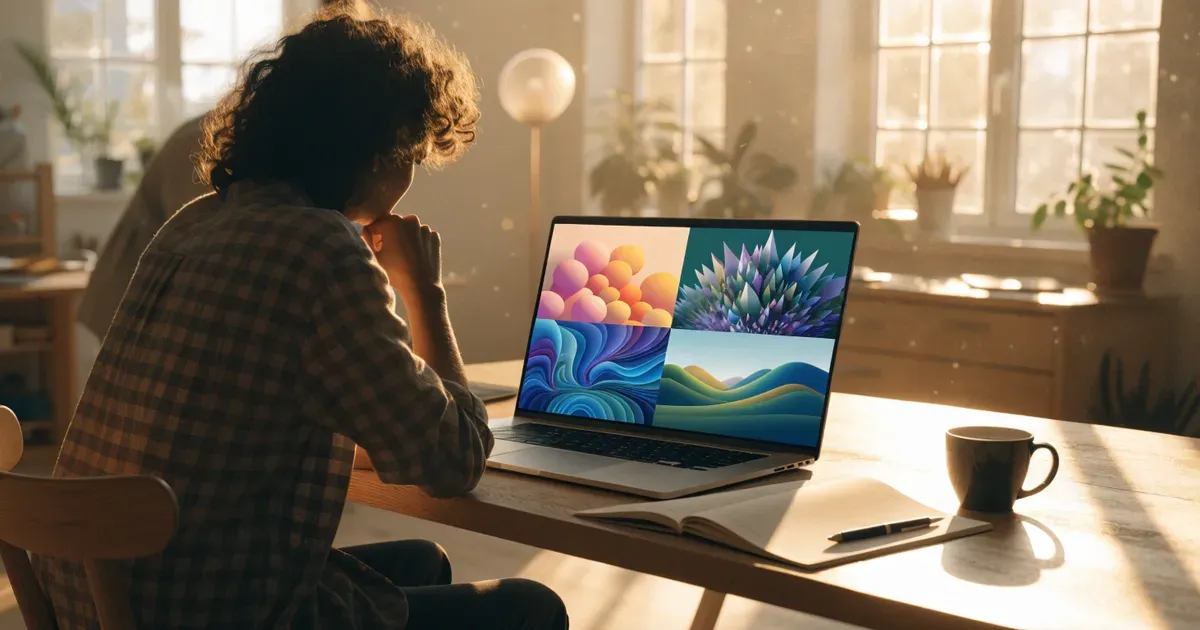
So you’ve seen those mind-blowing, ultra-realistic artworks online and heard someone mention: “Oh yeah, I made that with an AI.” Wait—what? Robots are making art now? Don’t worry, you’re not alone in wondering how the heck all this works. If you're curious about AI-generated images but have no idea where to start, buckle up, because we're diving into the wonderfully weird and creative world of AI Image Generators, made easy for beginners just like you.
What Exactly Is an AI Image Generator?
Let’s start with the basics. An AI Image Generator is a tool that uses artificial intelligence—specifically a type of AI called a "generative model"—to create images from text descriptions, user prompts, or even other images. You type in something like “A cat riding a bicycle through a marshmallow forest,” and boom—out pops a surprisingly creative, sometimes hilarious, sometimes incredible piece of digital art.
These tools are trained on massive databases of images, teaching them how to mimic styles, understand objects, and synthesize new visual compositions based on your instructions.
Think of it as your very own digital artist—except it never sleeps and won’t drain your wallet.
Why Would You Use an AI Image Generator?
- You're not great at drawing (yet still have cool ideas).
- You want to create visual content quickly for blogs, social media, or just for fun.
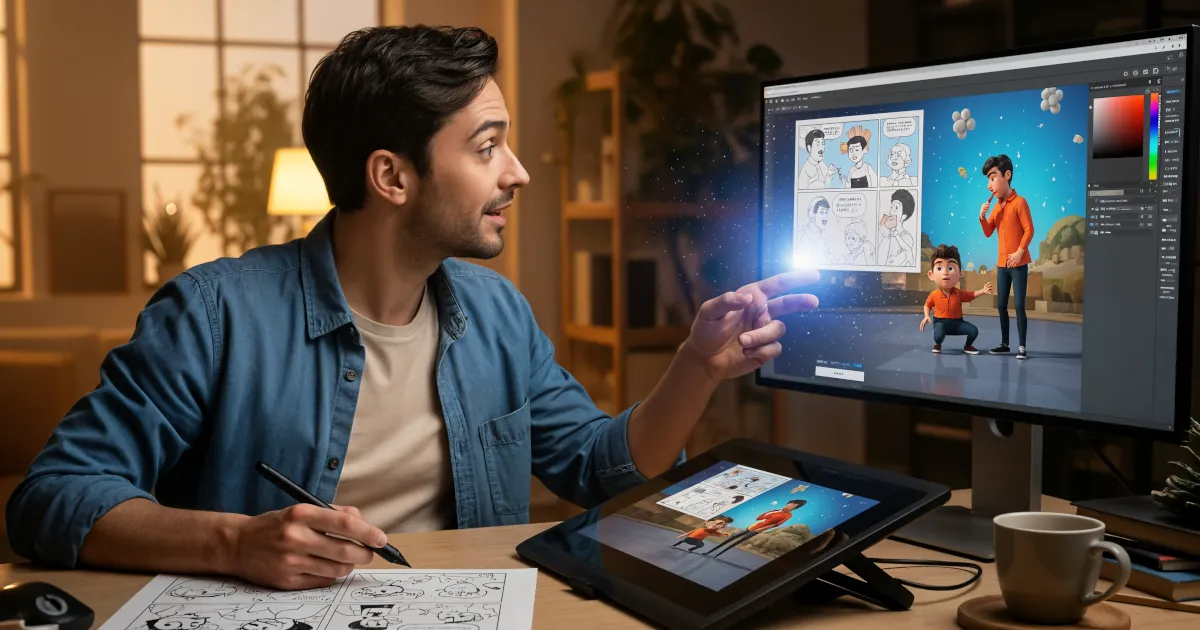
- You're experimenting with concepts for branding, logos, or storyboards.
- You want to spice up your school or work presentations with unique visuals.
- You’re a curious cat and just want to see what happens when you type ridiculous prompts.
There’s no judgment here. Whether you’re an aspiring artist, a marketer, a teacher, or just someone goofing around, AI image generators are surprisingly versatile.
How Do They Work?
Without getting too nerdy, AI Image Generators typically rely on machine learning models—usually a type called generative adversarial networks (GANs) or more recently diffusion models.
Let’s break it down in human-speak:
- Training: AI models are trained on millions (sometimes billions) of images from the internet.
- Understanding: Through training, the AI learns to associate words with visual features: what “a dog” looks like, the color “magenta,” or what a “vintage circus performer” might entail.
- Creating: When you give it a prompt like “a robot having coffee in a Paris café,” it puts together visual bits and pieces it learned during training to create an entirely new image that matches your description.
The result? Art that reflects your imagination—no drawing skills required.
Tips for Writing Prompts That Work
Okay, you’ve got the tool. But how do you get results that don’t look like a potato dreamed them up?
Here are some tips:
- Be descriptive: Instead of saying “dinosaur,” try “a purple velociraptor wearing sunglasses on a beach at sunset.”
- Use styles: Add art styles to your prompt, like “in the style of Van Gogh” or “digital art.”
- Set the mood: Include lighting, location, and atmosphere—“a cozy cabin in the snowy woods at twilight.”
- Play around: Try poetic language or cultural references—some tools handle abstract concepts surprisingly well.
Sample Prompts to Try:
- “A panda astronaut floating in a galaxy of candy planets, digital art”
- “A steampunk cityscape under rain, in the style of Blade Runner”
- “A fox drinking coffee in a Paris café, watercolor painting”
You’ll be amazed at what comes back!
Things AI Art Can Be Used For
Not sure what to do with your new AI artworks? Here are a few ideas:
- Social media posts
- Wallpapers for your phone or desktop
- Custom bookmarks or stickers
- Personalized gifts
- Moodboards and concept art
- Album or podcast covers
- Just for fun. Really!
Limitations to Keep in Mind
AI artwork is cool, but it’s not perfect. Some things to note:
- Weird fingers: AI still struggles with hands and anatomy sometimes.
- Misty faces: Portraits may look a little… off.
- Copyright concerns: Be cautious about using AI-generated art commercially. Some platforms have rules.
- Training data bias: These models are trained on images from the internet, so inaccuracies or stereotypes can slip in.
Basically—admire the magic, but don't expect perfection.
Okay, How Do I Start?
Here’s your 3-step beginner’s guide:
- Pick an easy-to-use tool, check out our recommendations and reviews to find the one best for you.
- Write a fun, descriptive prompt, using our tips above.
- Generate and download your art, then share it, use it, or just admire that magical AI goodness.
And guess what? The more you play with it, the better you get at writing prompts and understanding each tool’s personality.
Final Thoughts
You don’t need to be an artist, a coder, or a tech wizard to dive into AI image generation. Whether you're looking to have fun, spark creativity, or even kick off a new digital design hobby, these tools make it wildly accessible.
So go ahead: try asking an AI to draw a frog playing the drums in outer space. You might just discover a whole new creative side of yourself while you're at it.