
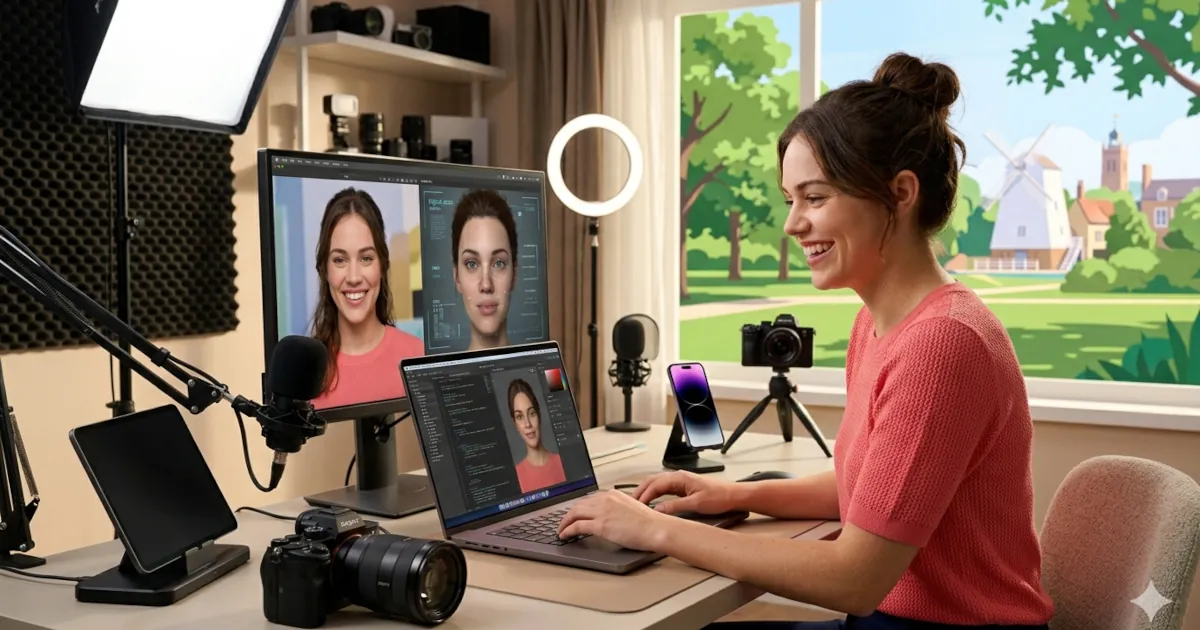
How to Make a Virtual Influencer with AI
How to Make a Virtual Influencer with AI
Build your digital twin and grow an audience! If you’ve ever thought, “What if I could be an influencer without always being on camera?” you’re exactly who this is for.
We’ll walk through how to create a virtual influencer or AI avatar that looks and sounds like you (or a totally new character), then use it for content, branding, and audience growth.
What is AI image and video generation for personal branding?
AI image and video generation for personal branding is using tools like AI avatars, voice cloning, and generative video to create content that represents you and your brand—without you having to manually record everything.
In simple terms:
- You teach the AI how you look, talk, and act.
- It generates images and videos of “you” (or your digital twin).
- You use that content on social media to build your brand, share ideas, and grow an audience.
This is what underpins virtual influencers—creators that exist partly or completely as AI-driven characters.
Step 1: Decide Your Virtual Influencer’s Identity
Before you touch any AI tool, define who your virtual influencer actually is.
Ask yourself:
Is this you, or a character?
- Digital twin: looks like you, talks like you.
- Character: different style, name, vibe, maybe not human at all.
What’s the niche?
- Creator education
- Fitness
- Tech and AI tips
- Comedy and memes
- Fashion and lifestyle
- Gaming and streaming companion
What’s the personality?
- Chill and supportive
- Bold and spicy
- Nerdy and helpful
- Sarcastic but honest
Write a quick “character sheet”:
- Name
- Age (approximate)
- Vibe (3 adjectives)
- Niche (what they talk about)
- Audience (who it’s for)
This will help you stay consistent and make the AI output feel like a real person, not random clips.
Step 2: Design the Look with AI Image Generation
Now, bring your virtual influencer to life visually.
You can use tools like:
- Midjourney
- DALL·E
- Leonardo AI
- Stable Diffusion
If you’re making a digital twin:
- Put together 10–20 reference photos of yourself:
- Different angles
- Different lighting
- Neutral facial expressions
- Use tools that let you train a custom model or “style” of you. Many avatar platforms now have “upload your photos” workflows to generate your AI version.
If you’re making a new character:
- Use text prompts first:
- “Stylish 25-year-old digital influencer, soft lighting, Instagram aesthetic, casual streetwear, confident smile, realistic style”
- Iterate on:
- Face shape
- Hair
- Skin tone
- Clothing style
- Color palette
Once you’re happy:
- Export multiple poses and outfits.
- Keep a folder of “brand canon” images you’ll reuse across platforms (profile pic, banner, thumbnails).
Step 3: Turn the Image into a Moving AI Avatar
Static pictures are nice. Video gets attention.
You have a few options:
1. Talking Head Avatars
Tools like HeyGen, Synthesia, and similar platforms let you:
- Upload your avatar image
- Add a script
- Get a talking video with lip-sync and head movement
Perfect for:
- Short explainers
- TikToks/Reels/YT Shorts
- Reaction-style commentary
2. Full-Body or 3D Avatars
If you want more movement (walking, posing, dancing):
- Use VTuber-style tools or 3D avatar platforms
- Or use motion capture apps that apply your movement to an avatar
This is more advanced, but great if you want your virtual influencer hosting shows, dancing, or gaming streams.
Step 4: Give Your Virtual Influencer a Voice
The voice is half the personality.
Option A: Use Your Own Voice
- Record your voice once using a mic (even a phone can work to start).
- Some tools can clone it and let you type scripts that get read in your voice.
- Result: Feels like you, even if you’re not recording daily.
Option B: Use an AI Voice
If you’d rather keep it anonymous or have a different persona:
- Choose an AI voice that matches your character: energetic, calm, deep, playful, etc.
- Many platforms let you adjust tone, speed, and emotion.
Then:
- Write short scripts
- Generate audio
- Sync it with your AI avatar video
Now your virtual influencer can talk, react, and educate on camera without you filming every time.
Step 5: Create Content That Actually Builds an Audience
Your AI avatar is a tool, not a strategy. You still need content that people care about.
Start with simple formats:
Short-Form Video Ideas (TikTok, Reels, Shorts)
Tips and tricks
- “3 AI tools to save you 5 hours this week”
- “One way to repurpose your content automatically”
Hot takes
- “Why most creators burn out by month 3”
- “Stop doing this if your Reels are flopping”
Mini tutorials
- “How to script a 30-second video in 3 steps”
- “What is AI image and video generation for personal branding, in under 1 minute”
Behind the build
- “How I made this virtual influencer with AI”
- “My workflow for turning ideas into videos”
Use your AI avatar as the on-screen host, but make sure the ideas are human and useful.
Step 6: Stay Consistent with Your Brand
Even if your influencer is virtual, your brand should feel very real.
Define:
Visual style
- Same outfits or color themes
- Consistent backgrounds
- Similar framing for each video
Messaging style
- Do you say “hey creators,” “hey fam,” or something else?
- Are you blunt and direct or more supportive and gentle?
- Do you use simple language or more technical terms?
Posting rhythm
- Pick 1–2 platforms to start (for example, TikTok + Instagram Reels).
- Aim for 3–5 short videos per week.
- Repurpose the same core content across platforms using your AI avatar.
Your virtual influencer becomes your “face of the brand,” but you are still the strategist behind the scenes.
Step 7: Be Transparent (Without Killing the Magic)
You don’t have to pretend to be fully human if you’re clearly an AI avatar. In fact, owning it can be part of the appeal.
Options:
- Make it clear in your bio:
- “AI-powered virtual creator sharing real creator insights.”
- Occasionally show “behind the scenes”:
- Screens of your tools
- How you write scripts
- How you batch-create videos
This builds trust. People are increasingly curious about AI, not scared by it—especially if you use it to provide real value.
Step 8: Use Your Virtual Influencer to Build a Real Business
Views are fun. Email lists and offers pay the bills.
Ways to turn your virtual influencer into leverage:
- Grow an audience, then:
- Sell digital products (templates, guides, mini-courses)
- Offer coaching or consulting (you as a human, not the avatar)
- Promote affiliate tools you genuinely use
- Build a newsletter for deeper insights
Your AI avatar does:
- The front-facing content
- Evergreen explainer videos
- 24/7 brand presence
You do:
- Strategy
- Product creation
- Community building
- High-level content ideas
That’s the real power of AI image and video generation for personal branding: you separate your time from your presence.
Step 9: Keep Improving as You Go
You don’t need perfection to start. Begin with:
- A basic avatar
- Simple voice
- Simple talking-head videos
Then upgrade over time:
- Better visuals
- Stronger hooks in your scripts
- More dynamic editing
- Story-based content
Treat your virtual influencer as a long-term character you’re developing, not a one-off experiment.
Want More Creator Insights?
If you’re serious about building your digital twin and growing an audience:
- Keep learning how AI tools evolve
- Stay focused on value, not just visuals
- Use your virtual influencer as a multiplier of your ideas